Preferences, Tools, and Technologies
An opinionated overview of the tools and technologies I like to use.
Operating Systems
I use Linux and macOS daily.
On my desktop, I run CachyOS, which is an Arch Linux-based distribution with a focus on speed. KDE Plasma has quickly become my favorite desktop environment. I love how it *just works* out of the box. I was pleasantly surprised when I instinctively held shift while resizing a window and it worked, no configuration needed. KDE has a first-party application for nearly everything I need, and they all share a consistent design language. Naysayers often criticize KDE for being bloated, but having a usable desktop environment is far more important to me these days than manually configuring every last detail.
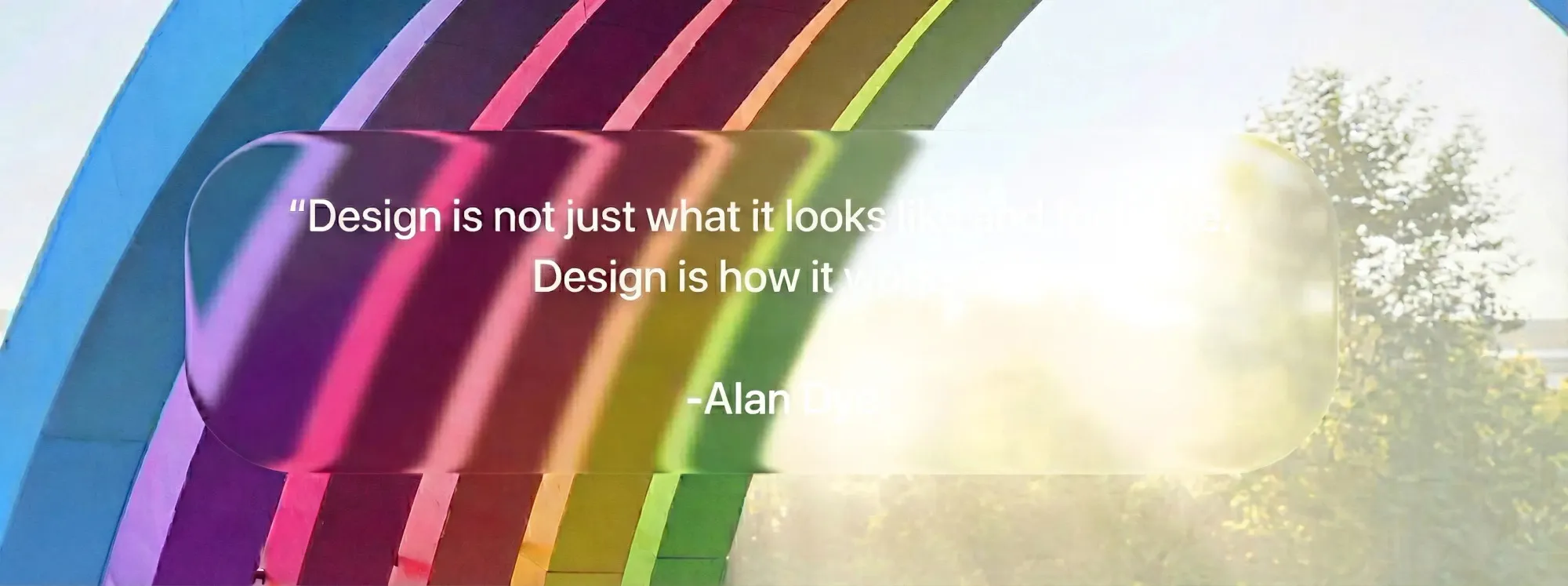
My laptop is a MacBook Pro, which I use for work. I have a love-hate relationship with macOS. I think Finder is the most obtuse file manager I've ever used. macOS Tahoe's "Liquid Glass" design is horrible and half-baked. Apple has made it nearly impossible to build and test iOS applications without macOS. The laptop itself is not repairable, upgradable, or user-serviceable in any way, which I find execrable.
Despite my criticisms, the ARM architecture is impressive, and macOS being Unix-based makes it tolerable for development. The battery life and trackpad experience are the best I've used. I find it hard to go back to other laptops after using a MacBook.
You may also notice a distinct lack of Windows in my workflow. I have used Windows extensively in the past, but each subsequent update makes it exponentially worse. I called it quits long before the invasive AI features and telemetry in Windows 11. Occasionally, I'll see a post about the newest Windows update breaking something important, and wonder how anyone still uses it day-to-day.
That said, I do have a copy of Windows 11 LTSC installed as a secondary OS on my desktop that serves one purpose: run Battlefield 6. I know, I shouldn't support companies that refuse to enable Linux support despite how widespread Proton has become, but I enjoy the game too much to care. LTSC at least removes most of the garbage that makes Windows insufferable.
Day to Day Tools
Web Browser
I use Firefox as my daily web browser. I've never been a fan of Mozilla. As I write this, they've just appointed a new CEO who keeps harping on about how AI is the future of everything. However, with some tweaking, Firefox can be moulded into something resembling a proper web browser. Anything Chromium-based is a complete non-starter due to Manifest V3 neutering ad-blockers.
Search Engine
I use Kagi for search. At first glance, you may have a similar reaction to mine: "A search engine that costs money??" Just try the free trial. Google has been on a downward spiral for years now, DuckDuckGo's results have never been good, and anything else is a waste of time. Kagi's results are on par with the Google of yesteryear, you don't have to scroll through AI summaries and ads, and everything is customizable to your liking. You can remove sites you don't want to see in results, adjust the ranking of certain sites, and more. It's worth every penny.
I use Proton Mail for email. Privacy-focused email providers are everywhere these days, and most of them are a bit overzealous in their marketing. I just want to keep my emails out of the hands of Google and Microsoft. Proton Mail's paid plans are reasonably priced, and they allow me to use my own domain names. The plan also includes a VPN, cloud storage, and calendar, which is a nice bonus.
Storage
I self host most of my storage needs using Nextcloud. I have a server in my home lab that runs Nextcloud, along with a few other services. Nextcloud has all of the features I need, including file syncing and sharing, bookmark syncing, and note taking.